

Posters and Resources
Want to share Merlin with your community? This page includes posters and QR codes you can download and use to share Merlin with others.
Posters
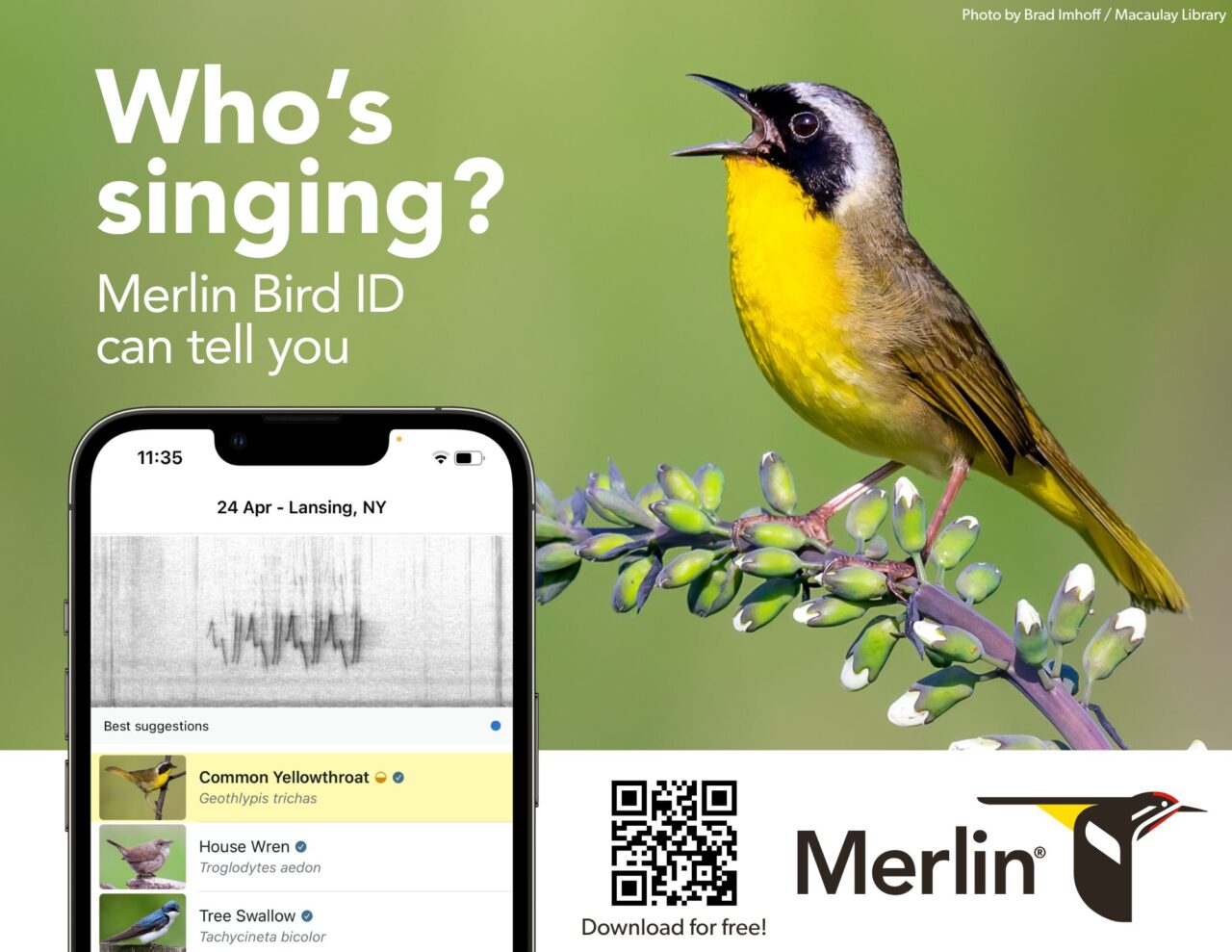
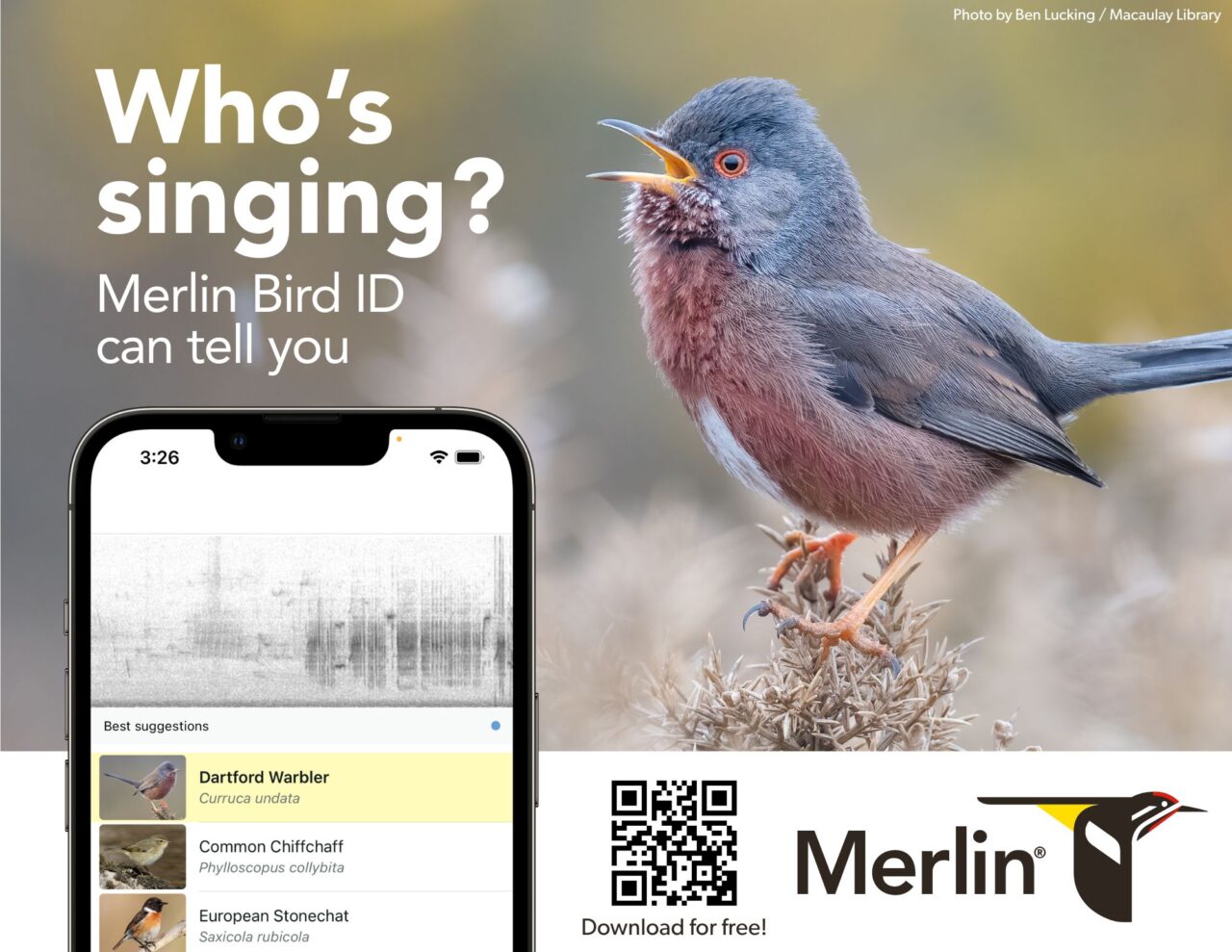
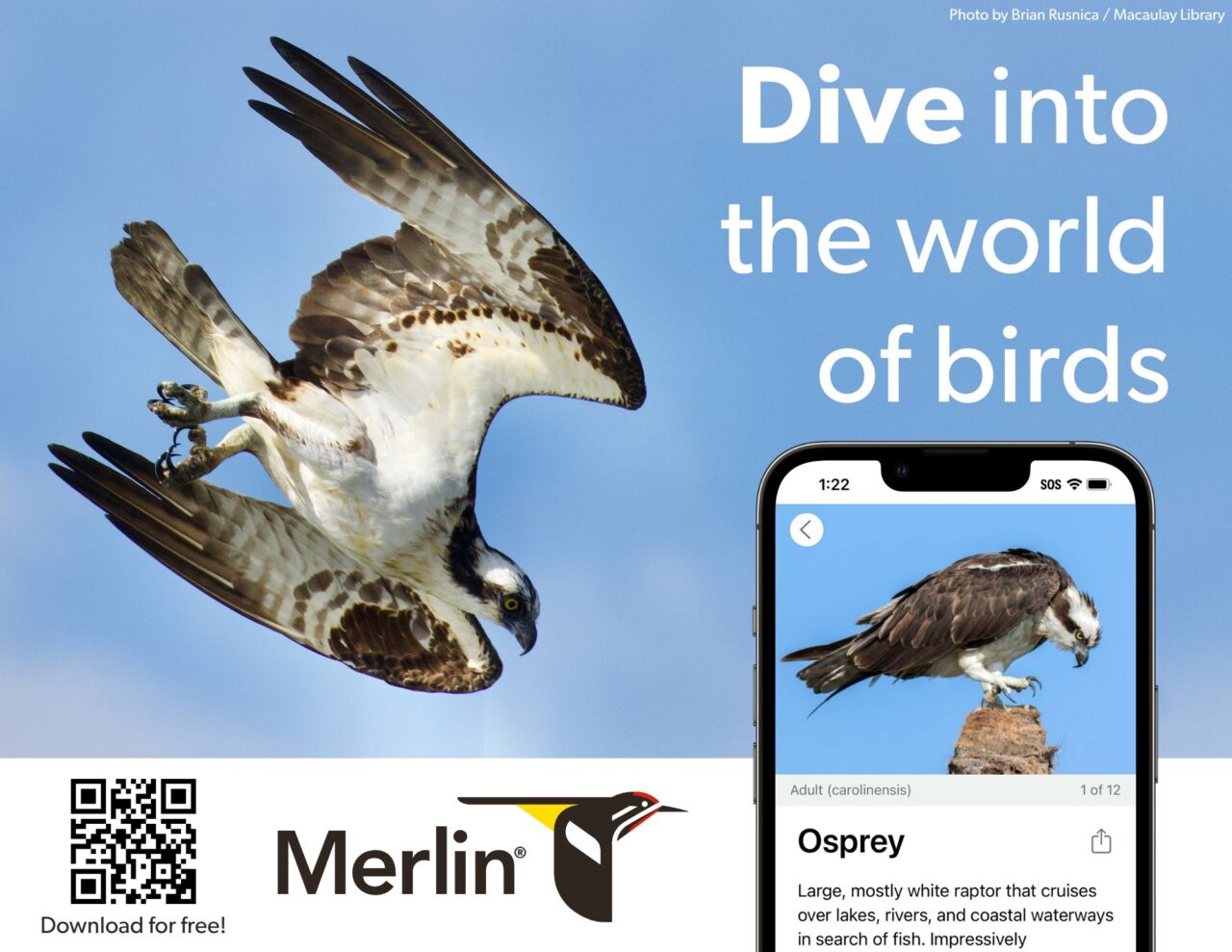
Enjoy these downloadable posters. Print them to hang in your nature center, school, library, coffee shop, trailhead, or at other organizations in your community.
Rack Cards and Bookmarks
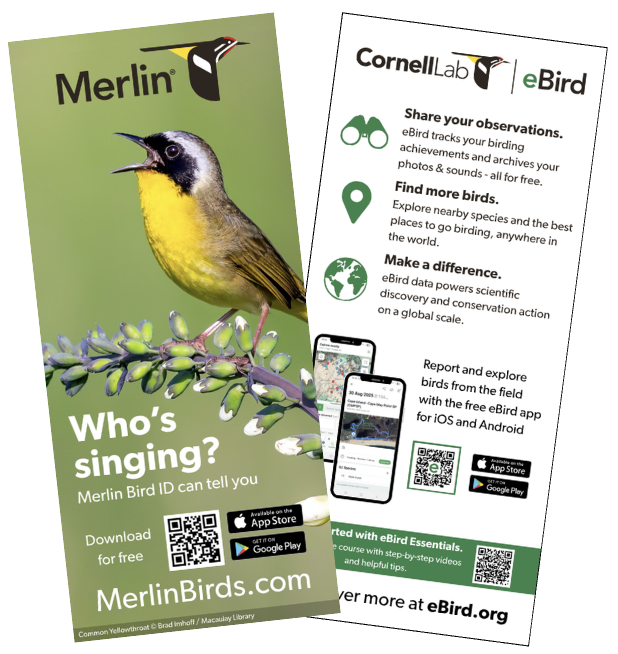
You can download and print these to have as materials for events or to stock a display.
The rack cards are 4 x 9 inches and include a QR code to download Merlin on one side, and information about eBird on the other side.
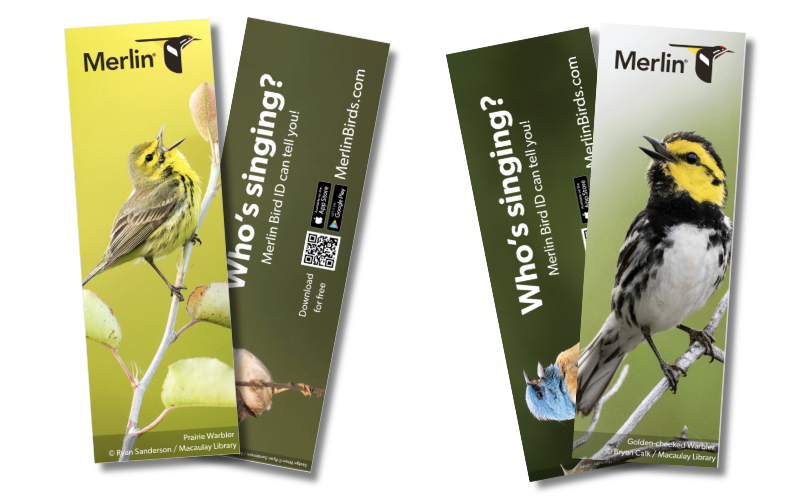
The bookmarks are 2 x 6 inches and include a QR code to download Merlin on one side, and a beautiful bird photo on the other side.
QR Code
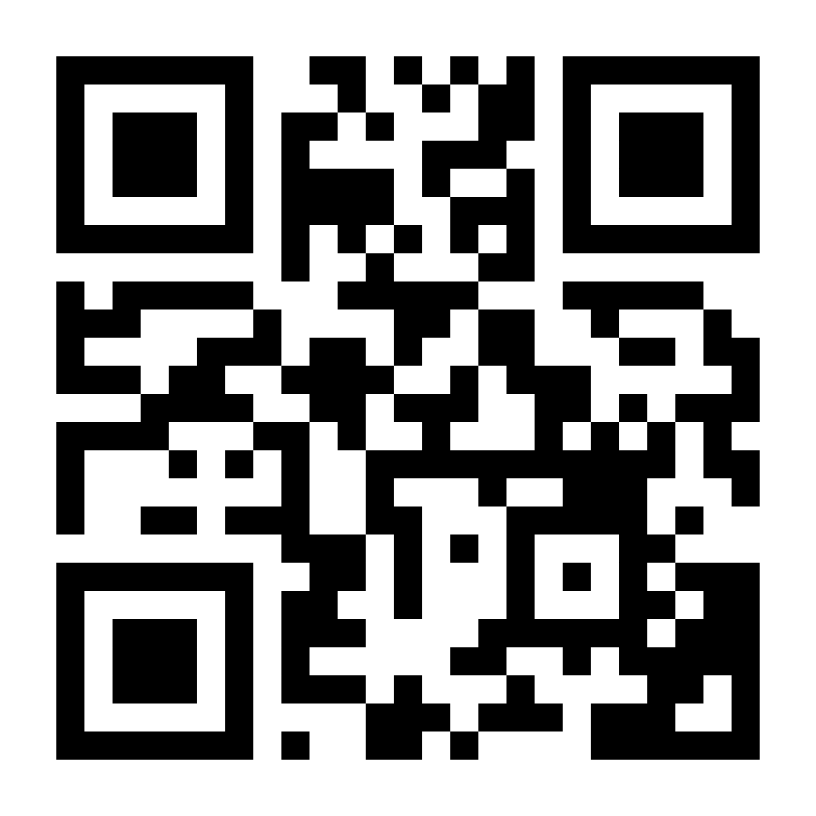
Want to encourage people to open or download Merlin? Scanning this code will open the Merlin app if you already have it on your phone, or will prompt you to download it if you don’t have it yet.
You can download and use this QR code on signs or posters.
Link to any species
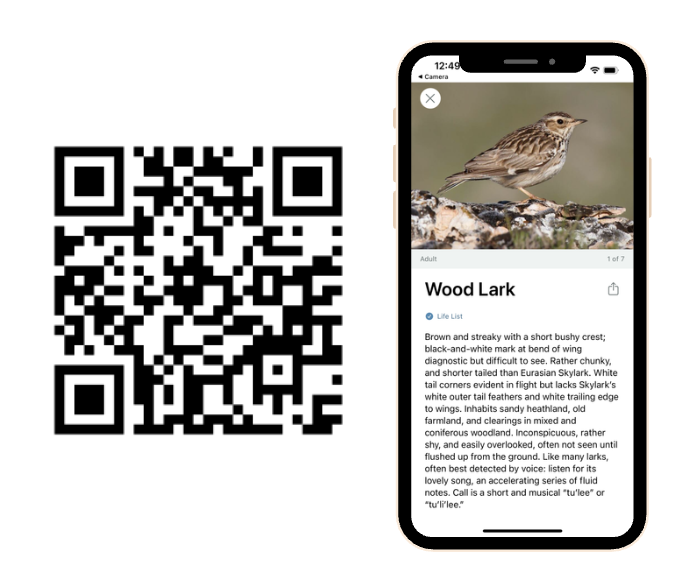
You can use a QR code to direct people to any particular species, which can be useful as part of interpretive signs or displays. You can create a link to any bird species by:
- Go to https://ebird.org/explore
- Under “Explore Species,” search for the bird you’d like to link to. For example, Wood Lark.
- On the species page, look at the 6 or 7 letter code at the end of the URL. For Wood Lark, it’s “woolar1” https://ebird.org/species/woolar1
- Copy and paste this code into the end of this URL: https://merlinbirds.org/species/ So, Wood Lark would be: https://merlinbirds.org/species/woolar1 .
- Use that link to create a QR code using a QR code generator.
- You’re done! If you scan the QR code and you already have Merlin installed, it will open the species in the app. If you scan it and don’t have Merlin installed, it will open the species account in a web browser. Scan the code here to try it out!
Looking for other resources?
We hope to expand our resource offerings here to help you share the joy of birds with your community. Please get in touch to let us know what resources would be helpful by submitting a ticket to our help desk.